
Hey everyone! To keep up with all of our Christmas posts make sure to FOLLOW us on Instagram!
I hope you all had a great Thanksgiving! We did for sure! I am always trying to think of thrifty, unique and thoughtful gifts to make my family and friends each year. I love making custom pieces that they wouldn’t receive from anyone else. This year I decided to make my niece and nephew name signs for their room. I decided that this would be our teacher gifts this year as well, only I will use their last names!
Today I am showing you the sign I made my for niece Londyn.
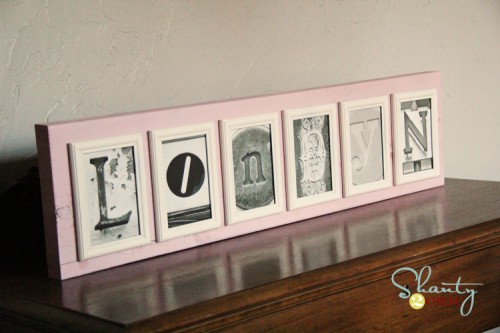
I found a GREAT flickr photo site on Pinterest. It is an amazing source for letter photos. There are literally hundreds of each letter. You can see that site HERE! You simply download for FREE and print from your own printer… Pretty darn cheap and easy! I found her letters and got started on the rest.
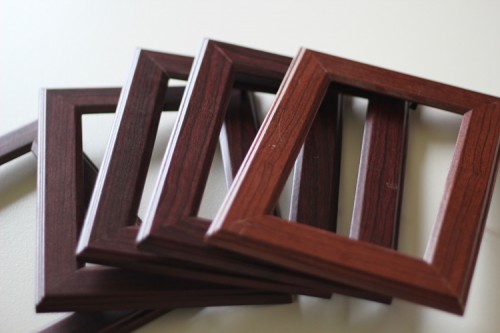
I bought 6 4×6 frames at the Dollar Tree for a buck a piece.

I removed all the plastic and glass from the frames like this…
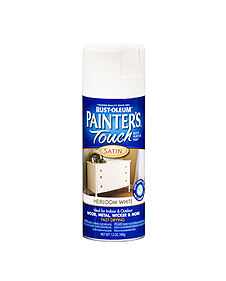
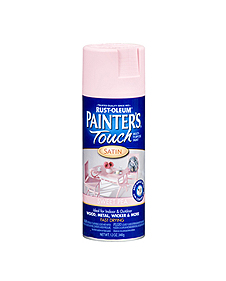
I gave them all a coat of my very favorite…
You can get it at Home Depot.
I used Heirloom White for the frames…
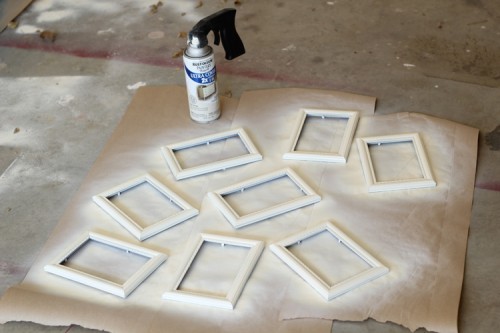
 Here they are drying…
While those were drying, I started on my wood.
I used a 2×10 for my sign. This is heavy and will sit alone on a table without support. If you are wanting to hang yours on a wall, you could also use a 1×10.
I paid $4.50 for an 8ft board and made 2 signs from it.
I cut a 36″ piece and painted it Sweet Pea.
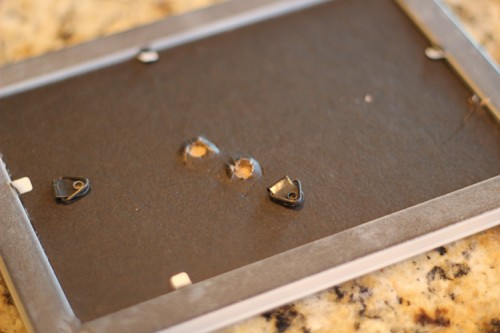
 While that was drying I finished up my frames. I added the glass back into each frame and also added my new FREE letter photos. Once I attached the back I gently pulled the support piece off the back of each frame. That was quite easy to do on dollar store frames 😉
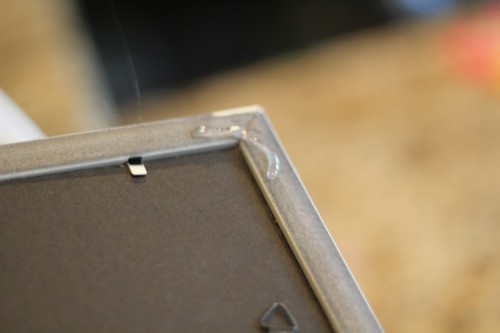
Then, I added a bit of hot glue to the corners of each frame and attached them to my new pink board.
The result…
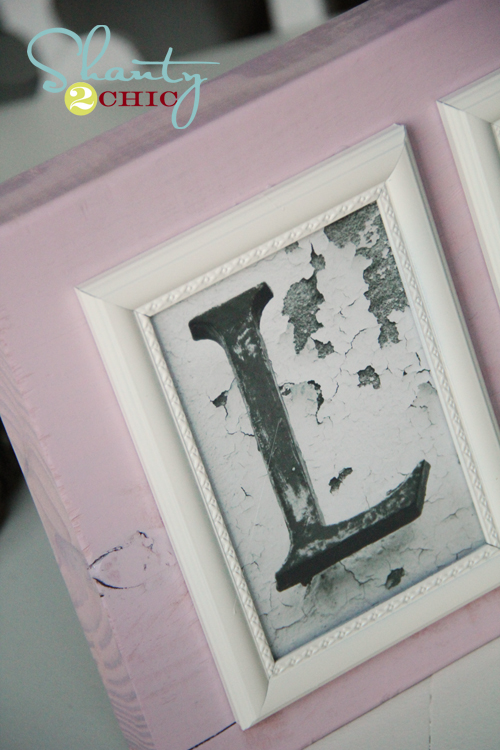
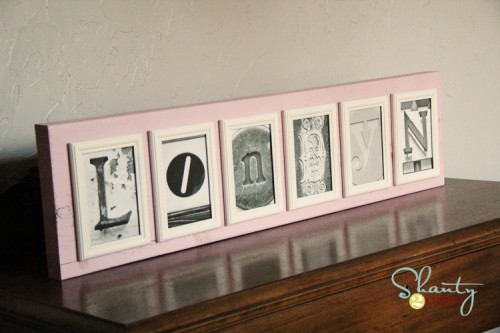
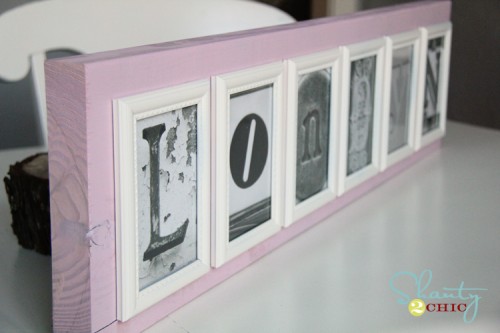
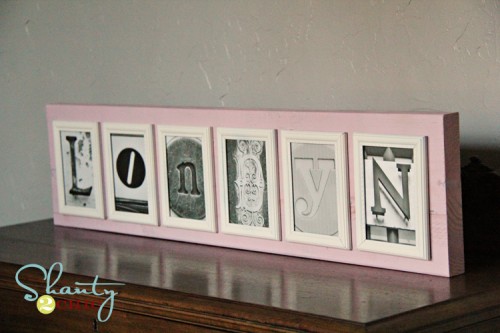
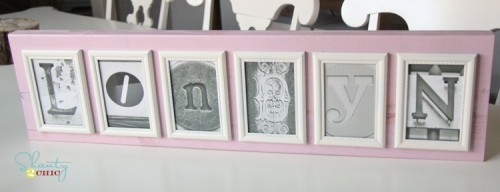
What do you think?
I am so excited to also make these for the kiddos teachers. I am planning on staining the boards and going with a neutral frame color so they can use them anywhere.
If you are making a longer name, I would suggest going with 3×5 frames and using a 2×6 or a 2×8 as your board.
And now let’s do the math… I paid $6 for the frames, $2.50 per sign for the wood, and the pictures were free. That’s about $10 a sign if you count the spray paint… My kind of gift!
Thanks so much for stopping by! Let me know if you have any questions!
~Whitney
Awesome idea ! YOu can even put a favouite black & white of the person either at the front or at the end of the picture. Or do a couple’s last name and then a pic of the two of them togehter. OMG ! ! ! I just got the BEST idea for my parent’s 40th anniversary ! ! ! I’ll put their wedding picture at the front, then the last name, and then a picture of them now at the end . .Oh thank you, thank you . . .I’m so excited now ! ! ! !
LOVE LOVE LOVE this. Can’t seem to find the link to the website with the letters though. ?
LOVE this!!! Wonderful job, can I get the site where you found the letters?! Thanks!!
Hello! Super cute! I’m new to your site but will be a frequent viewer now 🙂
Please share the link for the free letter photos.
thank you so much!
would you share the download link with me? great idea!
I love these!! Can’t wait to make them for the family. I bought a similar one and it was pricey. Thank you so much for the idea and the letter site!
I love this idea– but am confused about the wood that surrounds the frames. It looks like your must have cut openings for each picture frame into the wood– since there are pink dividers between each white frame.– How did you do that? I need to explain this to my hubby and I’m lost!!
Thanks!
The frames are spaced out on the board about 1/2″ from each other. There is nothing cut to on the board. They are just hot glued down.
I have literally spent hours trying to resize the photos so when I print they don’t cut out part of the picture. I have tried printing on walmart.com, mpix and the computer directly with NO luck. I have photoshop. Would you be so nice to give me the steps on how to do it? 🙂
I opened in PS and cropped each picture. I used the 4×6 constrain setting at the top left. Hope this helps!
I really love this idea! You said that you plan on making these as teacher gifts. I am always looking for personalized teacher gift ideas but I cannot figure out how to make this a teacher gift. Share your thoughts? Thanks!!
I’m doing their last names.
I saw this on Pinterest and love it! I paid a lot of money for the one I have, but these will totally be Christmas gifts! Can’t wait to make them! Where did you get the free picture from?
On the wood for the sign, do you just ask for a 1 X 10, if you are hanging on the wall, or do you get an 8 ft. piece of lumber and cut it to fit? Was thinking about giving as Christmas gifts, using the word LOVE. Would 5X7 frames be better since it’s a shorter word…or just use a shorter piece of wood?
a 1×10 is not as thick as a 2×10. Either way you will have to cut it because the 2x’s come in 8ft pieces and the 1x’s come in just a few lengths. Home Depot and Lowe’s all cut your wood for you. Hope this helps!
Ok….I’m having troubles printing these ;( I’ve read here and am now going to try the viewing the different sizes on flicker….but quick question though, which one of the sizes did you choose to get a 4×6? And id you have to then just trim it down?
I downloaded the large or regular file BUT I cropped the pics down to size using my photo editing program. I use PS Elements and iPhoto, but I know Picasa, Kodak and other free programs crop photos as well. Hope this helps!
I was wondering if you could forward the link to the letters for me. I keep looking for it on your site but am apparently missing it somehow. Thanks.
She has it posted at the top of this page. She has highlighted the word HERE in blue letters as well as the words GREAT flickr photo site highlighted in blue at the top of this page…
Its at the top of this page. It says its a flickr site…click here .
Thank you Robin! 🙂
Can you let me know the link to these, I would love to do a couple gifts!! Thank you so much! And what an awesome idea!!
Where do you get the free letters? Is there a website that you can share. Love this idea!!!